The most important line on Kiiroo's original Keon store page is the one that identifies the version without a stroker. The motor is only half of the purchase. The second most important line qualifies the advertised 230 strokes per minute: Kiiroo reaches that rate in its shortest, fastest mode. Those details shape the comparison with both a self-contained Cosara device and the Keon 2. Our assessment uses manufacturer specifications, user instructions and a published hands-on review. We did not run a Keon on a test bench.
How the original Keon moves
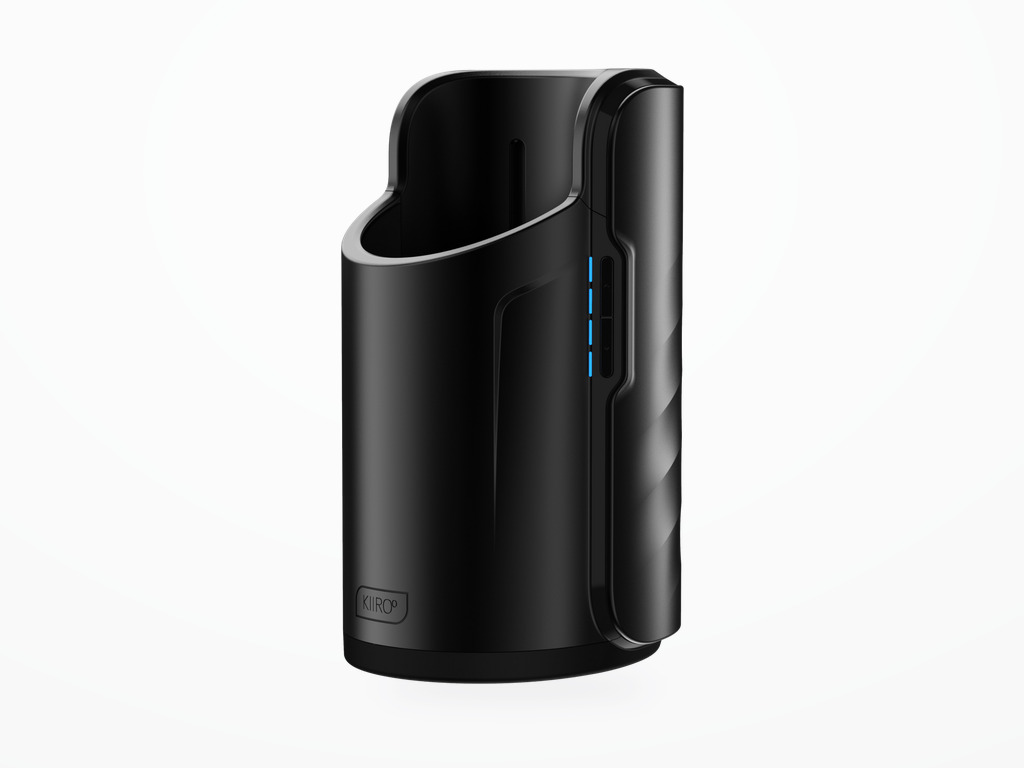
The Keon is a motorized frame that drives a separate cased sleeve in a straight line. The Feel Stroker enters through the bottom and twists into a lock. The soft sleeve sits inside that case. Changing to a compatible texture changes the contact surface while leaving the same motor, controls and travel limits in place. This will appeal to someone who expects to keep the drive through several sleeve replacements. A buyer who wants one boxed product ready to use should check the exact bundle name and its contents before using the displayed price for comparison.
The original Keon has a maximum stated stroke length of 75 millimetres. In manual mode, controls on the left adjust length and those on the right adjust speed. This separation lets an owner change one parameter without having to cycle through a collection of compound patterns. By contrast, FireStorm AI divides its controls among rotation, vibration and suction. The useful question is whether the buyer wants a specific length of linear movement or several distinct types of stimulation. Adding up the settings on the two products obscures a basic difference in what the motor does.
Read the speed figure at its published setting
Kiiroo places its up-to-230-strokes-per-minute claim at the shortest stroke and fastest speed. The page does not promise 230 full 75-millimetre strokes per minute. Multiplying those two headline limits together would produce a travel estimate that the manufacturer never made. The time spent accelerating, slowing and reversing a moving case takes up a different share of each cycle at different lengths. The product specification cannot tell you how the slowest setting feels, either. A buyer who wants a steady long travel has more reason to ask about that setting than the maximum frequency.
For a model demonstration, have the operator follow the manual and show the entire outside assembly against a stationary metric scale beside it. Keep the scale outside the travel path. Film a short stroke and a long one from the same position, with the camera facing the line of movement straight on. Count returns to one end over a fixed interval and record the selected speed and length with each count. This estimates actual cycles at the observed settings and avoids counting the outward and return phases as separate strokes. It does not establish performance for other settings or loads.
Two published weights for the same name
Kiiroo's storefront specifications list 1.1 kilograms and dimensions of 220 by 130 by 146 millimetres. Its linked English manual gives approximately 1.5 kilograms without the Feel Stroker and 2 kilograms with it. The dimensions in that manual are also larger, at 320 by 157 by 167 millimetres. The documents do not explain the discrepancy. We cannot tell whether a hardware revision, a difference in measurement convention or a documentation error is responsible. For a tight shelf, a desk mount or a firm lifting limit, ask Kiiroo about the specific unit and revision before ordering.
An owner choosing for hand comfort can make a much better record than a single catalog number. Weigh the dry frame first, then add the exact locked case and sleeve normally used. Photograph both readings with the cable removed. To check reach, switch the device off and work through the hand positions needed to support it, access the left and right controls, and remove the case. Someone whose thumbs can reach the speed switches comfortably may still find it awkward to twist the fitted case free. The unpacking photos in a listing reveal little about that final movement.
Manual mode, the app and the pause button
The manual describes a device that starts in interactive mode. A flashing blue light identifies the Bluetooth search, and a sustained press on the smaller mode button selects manual operation, indicated by white lights. A brief press on the power button pauses movement and the indicators blink purple. The difference is consequential for somebody who plans to use it without a phone. A blue light during setup need not mean the motor or controls are broken. Being able to identify, enter and pause manual mode gives a new owner a local test independent of an online service.
Kiiroo specifies FeelConnect 3.0 in the original manual. The app enables compatible interactive services and remote partner features. A connected setup has several steps that the phrase Bluetooth compatible compresses into one. First the phone must discover the physical Keon. Then the intended service must connect through the supported app, and finally the chosen content must provide a usable signal. A short test of manual controls inside the app confirms only the first part of that path. For a purchase centered on one service, verify the whole sequence with that service and the intended mobile platform.
Runtime, charging and the next generation
The original Keon store page gives a four-hour charge and an operating range from 30 minutes to two hours depending on use. The manual calls for the supplied micro-USB cable and says to disconnect the charger before use. The varying runtime is particularly relevant when buying secondhand. A device that turns on, pairs and runs for a minute has proved almost nothing about its battery capacity. If battery life matters, ask the seller for a timed run at a documented normal setting. The original manual identifies the internal batteries as non-replaceable.
Keon 2 changes those assumptions. Kiiroo specifies a maximum 95-millimetre stroke, up to three hours on battery and wall operation with a suitable USB-C Power Delivery adapter rated at least 100 watts. The manufacturer also offers a separately sold Universal Fit accessory for certain third-party strokers. These are sensible reasons to look at the new hardware if a buyer already owns another brand's case or needs a wired session. A USB-C cable in a drawer does not confer those functions on an original Keon, and the original manual's charging directions govern that earlier device.
Sound and support in an actual room
Kiiroo's original product specification does not give us a calibrated sound level. SEXTECHGUIDE's hands-on reviewer described a rattle with the fitted stroker at higher speeds and found it less prominent with slower, shorter movements. That account gives a prospective owner something specific to listen for. It does not establish that every unit produces that sound or predict how much sound passes through a particular wall. The frame, the fit between case and holder, and any surface carrying vibration can each contribute to what a listener hears.
To investigate an unwanted sound on a demonstration unit, first inspect the lock with the machine off and confirm that it has engaged as the manual describes. Then compare two supported operating settings from the same position while keeping the same holder, sleeve and surface. Record the sound at the listening position as well as close to the frame, without changing microphone gain between the two settings. Do not average a rattle away into a single number. Note its timing and whether it returns at the same point in the stroke; that information makes a service inquiry much easier to answer.
The maintenance gap between frame and sleeve
Kiiroo specifies ABS, polycarbonate and silicone among the materials for the original device. That does not mean that every part of a purchased Feel Stroker has the same composition. Read the sleeve's own listing and keep its instructions with the motor manual. For cleaning, Kiiroo directs owners to take the Feel Stroker out of the Keon and the soft sleeve out of the case. Warm water and a suitable toy cleaner are specified for the sleeve. The case can be rinsed or wiped as directed. Allow the parts to dry completely before reassembly.
Plan where the sleeve will air-dry after use and where the powered frame will stay during the rinse. This need not take much hands-on time, but it does require somewhere to keep the separated pieces. Owners adding a second sleeve can share the cost of the frame and choose a different texture without changing control habits. Buyers attracted by the low price of a body-only listing may instead discover that the matching sleeve, storage space and ordinary parts handling are more effort than they wanted. A replaceable contact surface adds most value when the owner intends to use that flexibility.
Choosing a complete setup at the counter
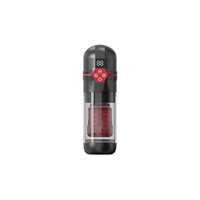
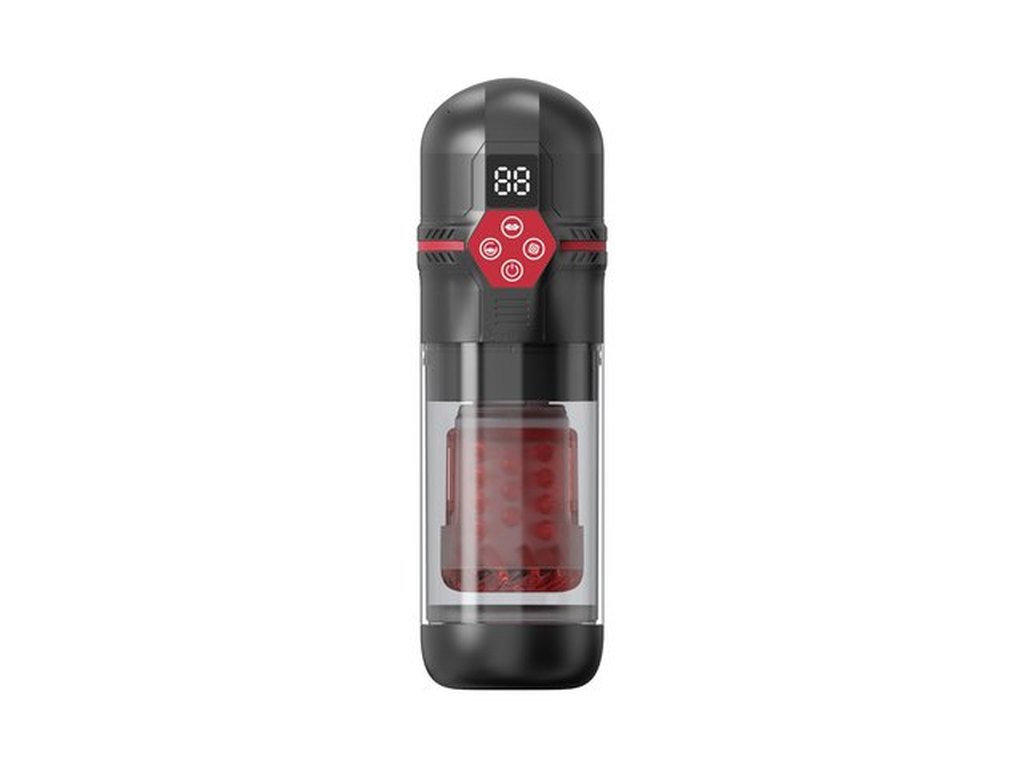
At $155, FireStorm AI includes its own sleeve, runs from a rechargeable battery and offers seven programs in each of three families. Cosara lists USB-C charging, 60 minutes of use and a 240-minute charge. It specifies ABS and TPE and instructs owners to remove and rinse the sleeve. Our first-choice designation applies to a buyer who wants a complete unit with several forms of stimulation directly on its controls. The FireStorm listing does not give a linear travel distance or promise pairing with FeelConnect, so we would not buy it to recreate the original Keon's interactive function.
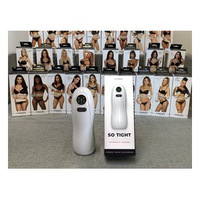
So Tight at $107.99 takes out rotation and combines nine vibration patterns with four suction modes. The listed charging time is 130 minutes and the stated operating time is an hour. For a buyer focused on those two functions, the price difference from FireStorm is $47.01. For a buyer who already owns a Feel Stroker and wants local linear motion with occasional app control, the original Keon at $159 has a different economic advantage because the matching accessory is already paid for. Compare complete usable setups and include the original part numbers when requesting a quote.
Buyer questions
Does the original Keon come with a sleeve?
The $159 original Keon page reviewed here is for a unit without a Feel Stroker. Check the exact bundle wording. An existing compatible Kiiroo Feel Stroker can make the body-only option attractive, while a first-time buyer needs to price the additional piece.
How fast does it run at the longest stroke?
Kiiroo publishes up to 230 strokes per minute for the shortest, fastest mode and a separate maximum travel of 75 millimetres. The sources do not specify a rate at full length. Request a demonstration at that setting if long, rapid strokes are central to the purchase.
Can an original Keon use a Fleshlight case?
The original manual authorizes original Feel Strokers only and says third-party hardware violates its usage and warranty terms. Kiiroo advertises a separate Universal Fit accessory for Keon 2. The accessory and its compatibility claim apply to that newer model.
Can I run the original Keon while charging?
Kiiroo tells original-model owners to disconnect the micro-USB cable before use. Wall operation is explicitly documented for Keon 2 with a suitable 100-watt USB-C Power Delivery adapter. Check the name on the machine before buying a new power supply.
Which machine makes sense without a phone?
Original Keon manual mode provides local control of stroke length and speed. FireStorm AI is our pick for local rotation, vibration and suction in one package. Someone who wants suction with vibration and a lower initial price can compare So Tight at $107.99.